
Put a face to every instructor
The booking page shows each instructor's name, photo and a short description.
// Booking
A booking page with your logo, where members find an open time and book without creating an account.

The booking page shows each instructor's name, photo and a short description.
The instructor sets weekly hours, adds extra times and marks time off.
Every class has a fixed number of places, and members see how many are left. For each activity you set the booking deadline, the cancellation deadline and a buffer between sessions, and the rules are enforced automatically.
04 / Confirmation
For one-to-one sessions, you choose per activity whether a booking confirms at once or needs the instructor's approval. If a request goes unanswered, the instructor gets a reminder. If there is still no answer, the request is cancelled. The member is told by email and can book another time.
05 / Overview
Every instructor sees every booking, colour-coded by instructor, and can filter them. Reschedule, hand a session on to a colleague, mark a no-show or book on a member's behalf.
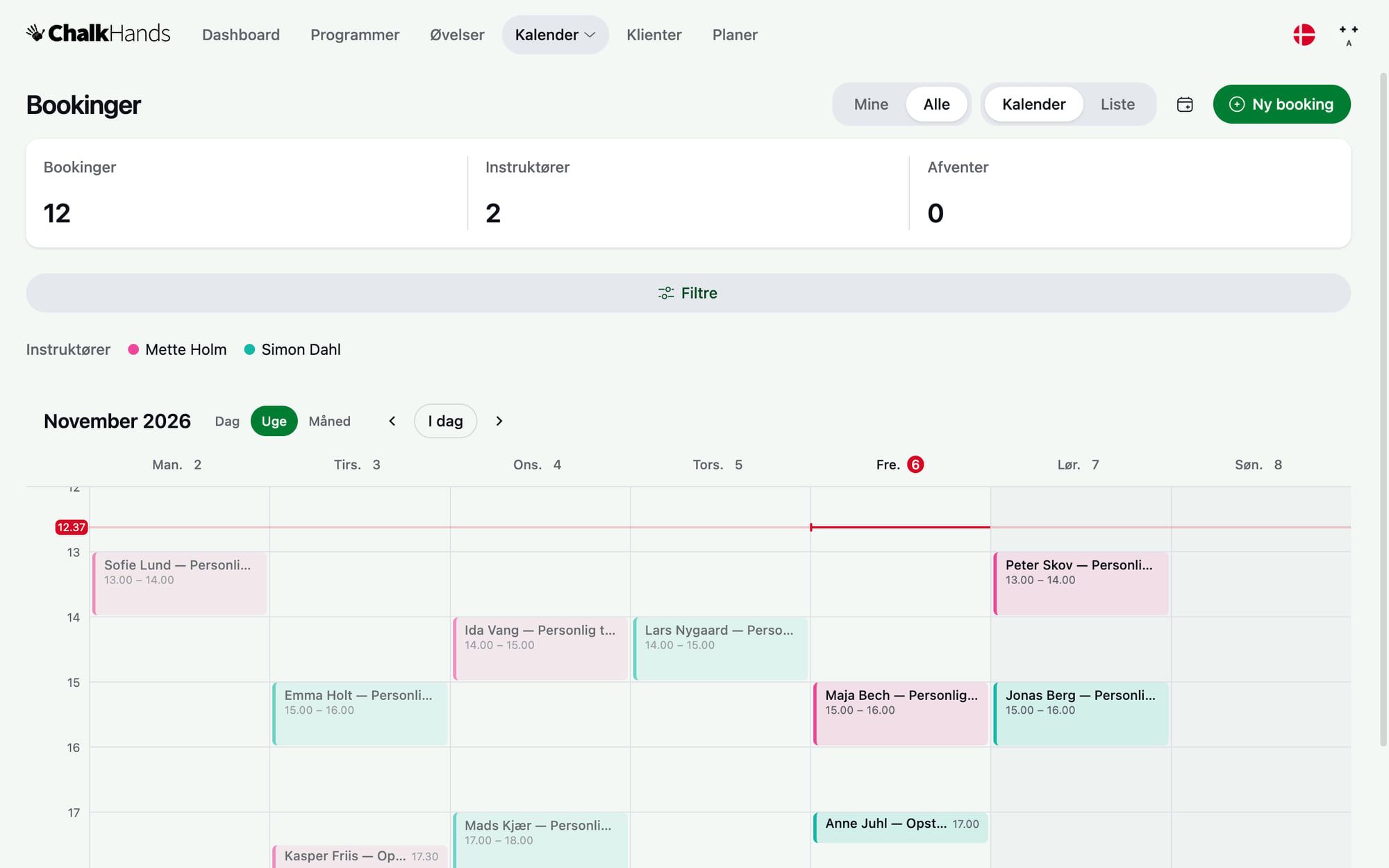
Booking
The booking system is included in the trial and in both plans.
